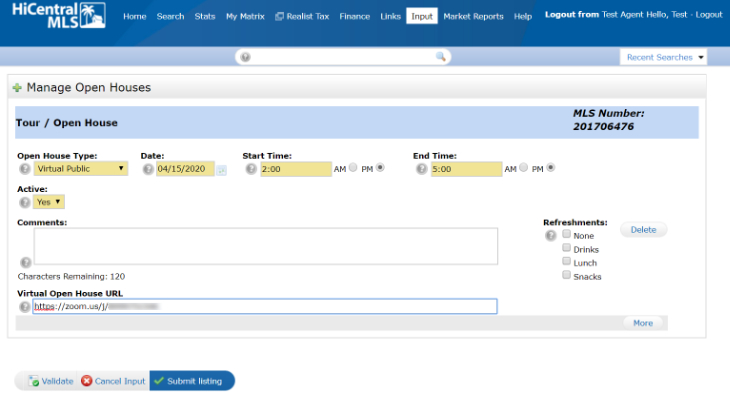
HiCentral MLS now allows subscribers to publish Virtual Open Houses. Below are some instructions for setting up a virtual open house.
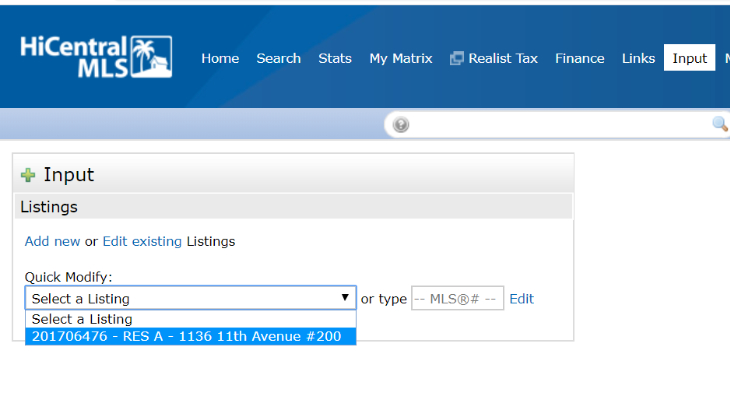
- From the Matrix Input screen, select a listing.
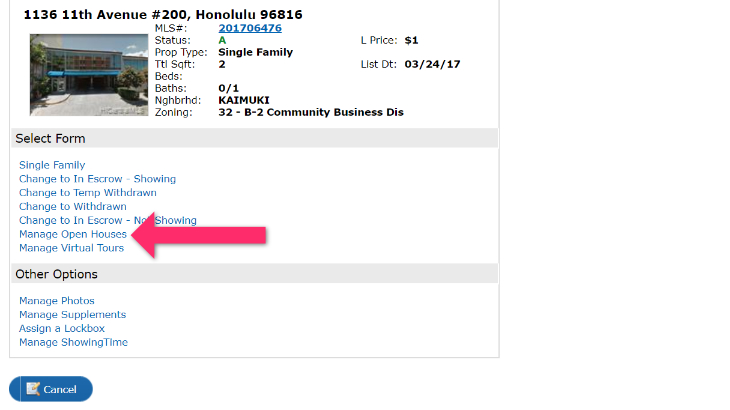
- Click on Manage Open Houses
- Select an Open House Type, enter Start/End Dates and Times, select Yes under Active, and paste your meeting URL in the Virtual Open House URL field.
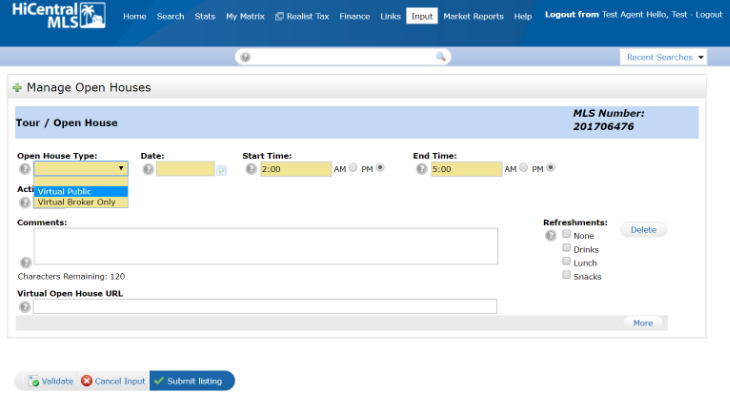
- Click on Submit Listing and you're virtual open house is all set.